Multiband saturator / clipper
CLIPOTYPE
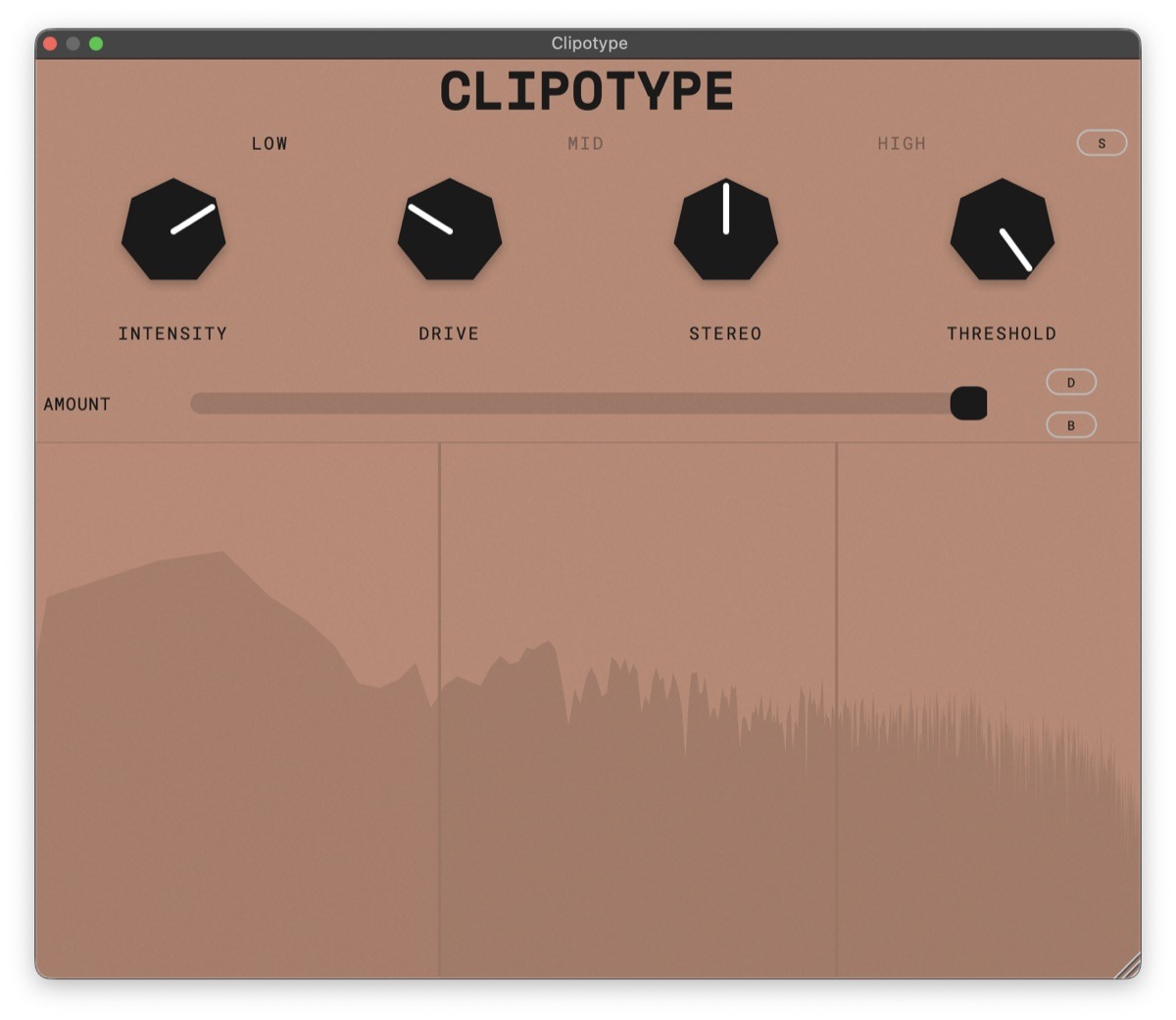
Split the spectrum into up to three bands and give each one its own flavour of saturation, from gentle soft clipping to hard waveshaping, with its own drive and stereo width.
Pay what you want
on Gumroad · $0 is fine
Clipotype
v1.1
Listen
A/B
Level-matched loops with and without Clipotype. Switch while a loop plays; it carries on from the same spot.
Drums
Bass
Vocal
Lead
Video
Watch on YouTube ↗
Features
- 1 to 3 frequency bands with draggable crossover points
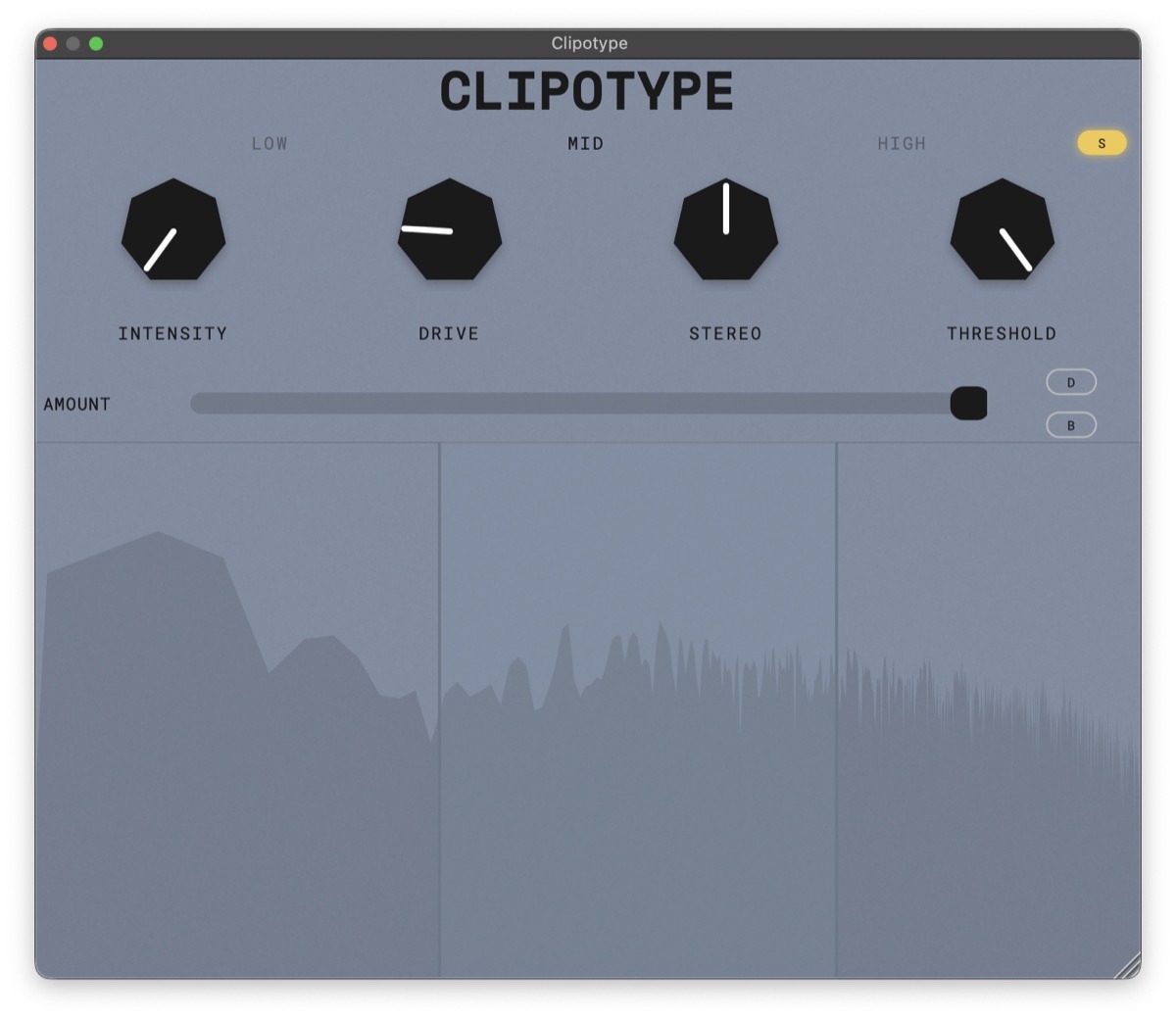
- Per-band Intensity (soft-to-hard waveshaping morph), Drive and M/S stereo width
- 4x oversampling
- Real-time spectrum analyzer
- VST3, AU and Standalone
Controls
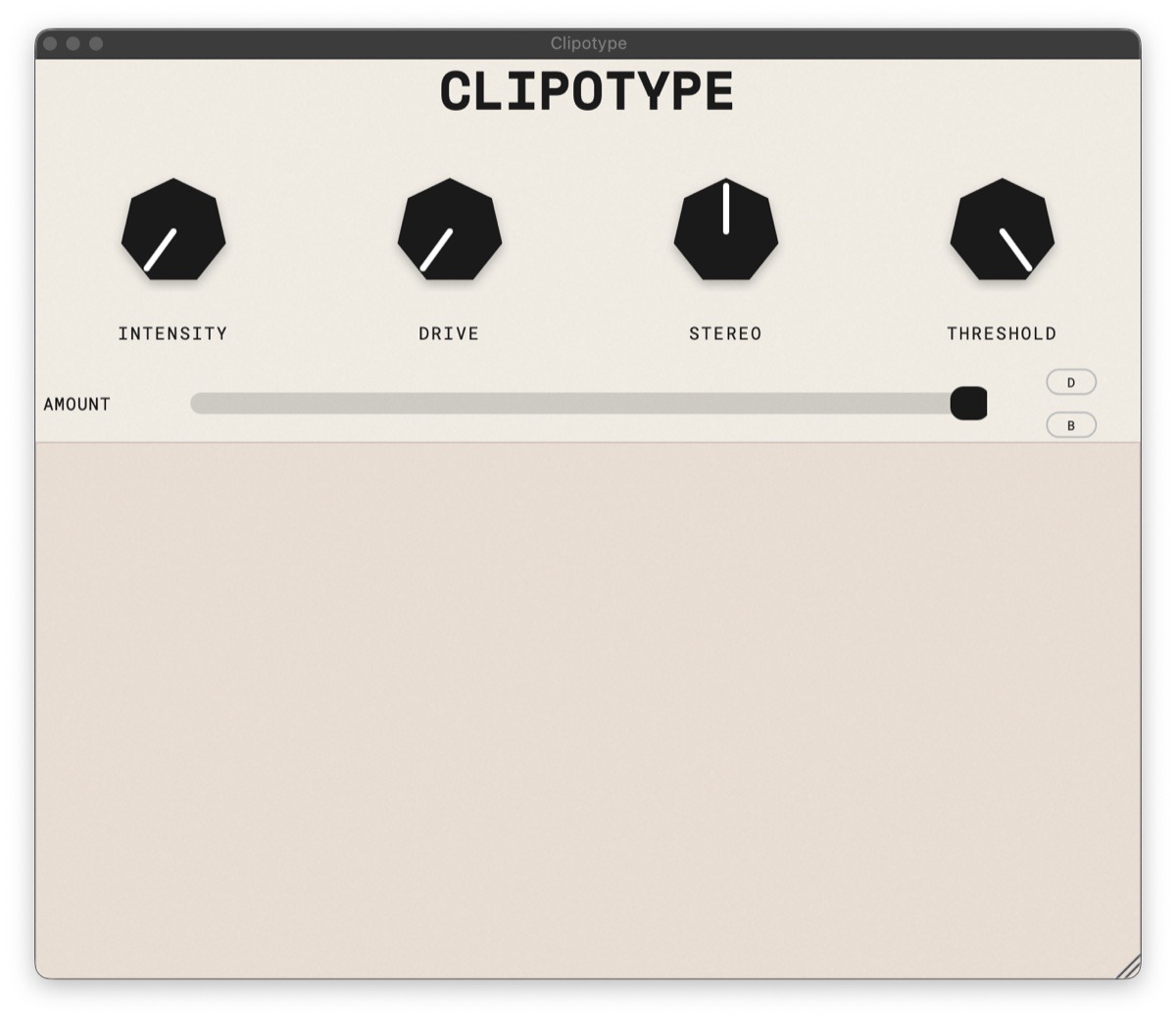
- Intensity morphs the clipping from soft (0 %) to hard (100 %).
- Drive sets how much saturation is applied.
- Stereo adds width; 0 % makes the band mono.
- Threshold sets the level, in dB, above which the saturation acts.
- Amount sets how much of the processed signal comes out; 0 % leaves it untouched.
- D (delta) plays only what Clipotype adds; B bypasses it.
Details
- Formats
- macOS: VST3, AU, Standalone. Windows: VST3, Standalone
- System
- macOS 11 or later, Apple Silicon and Intel. Windows 10 or 11, 64-bit
- macOS
- Signed and notarized .pkg; choose which formats to install. Restart your DAW or rescan plug-ins afterwards.
- Windows
- Setup.exe installer (7 MB); choose the VST3 plugin and, optionally, the standalone app. The VST3 goes to C:\Program Files\Common Files\VST3; rescan plug-ins afterwards. Uninstall from Apps & features. If SmartScreen warns when you run the installer, click More info → Run anyway.
- Version
- 1.1
- License
- AGPLv3
New to Clipotype? The manual covers every control. Found a bug or have an idea? Tell me.
Read the manual Send feedback